Overview
Every branding designer has built the same document a hundred times. Logo clearspace, minimum sizes, the misuse page, the color table with HEX and CMYK, the type scale. The layout is already designed — it is their layout, refined over years. What changes from client to client is only the brand inside it.
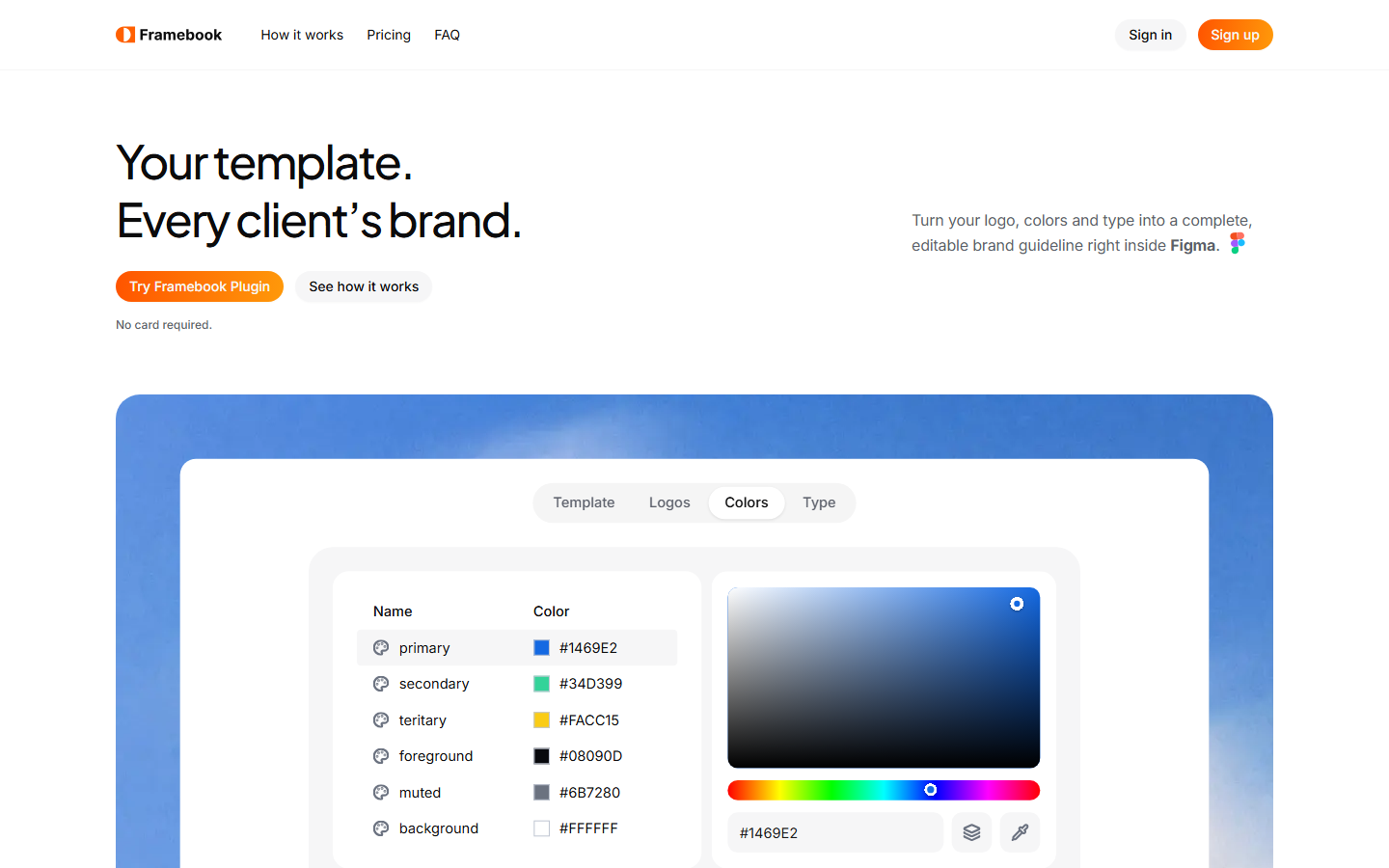
Framebook is a Figma plugin that does the swapping. Pick a template, add a logo, colors and type, and it draws a complete, editable guideline into an empty Figma file.
The real problem is not the first guideline
Plenty of tools generate a brand guideline. They all generate their guideline — a layout you did not design, that does not look like your studio's work, that you then spend a day fighting into shape.
For a designer whose whole value is their visual judgment, a generic template is worthless. The bottleneck was never the design. It was retyping the same brand data into a design that already existed.
So the central feature is the inverse of what these tools usually do: bring your own template. Mark up a guideline you already designed, once, and Framebook reuses it for every client after that.
Three things to mark up
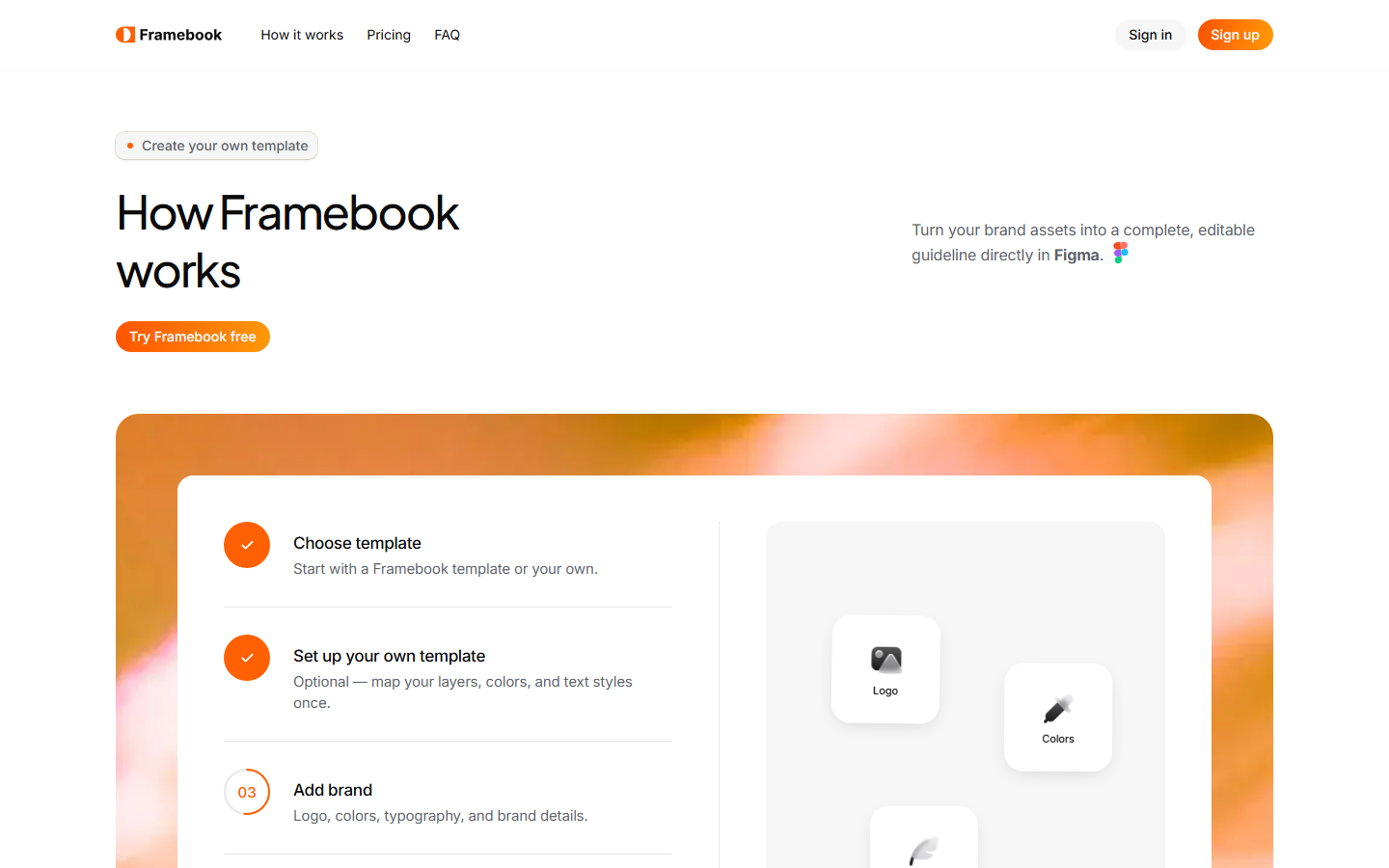
Turning a Figma page into a reusable template takes three kinds of markup, all of which are things a careful designer already does:
Name dynamic layers
A layer named with a Framebook tag — brand.name, logo.symbol, logo.wordmark, page.number — tells the plugin what content belongs in that slot.
Bind colors to variables
A fill bound to a brand variable gets swapped everywhere it is used. A fill with a raw hex stays exactly as it is.
Use text styles
Text styles define the typographic roles. Framebook changes the typeface and leaves the sizing, spacing and hierarchy untouched.
Everything else stays yours. The layout, the grid, the spacing, the hierarchy. Only the brand data changes.
How it actually works
The plugin is a compiler that runs in both directions.
Export walks a Figma page and turns it into a blueprint — a declarative JSON spec of the layout. The whole design rests on two things being true. A fill bound to a color variable must export as a role reference like primary, not as a hex. A text node using a text style must export as a role reference like h1, not as a font size. Get those wrong and the template is a screenshot, not a template.
Render takes that blueprint plus a brand kit and draws real Figma nodes into the customer's empty file. The renderer never decides what a page looks like — that is the blueprint's job. It only decides how a brand is substituted into it: which font to load, which variable a fill binds to, how a logo scales into its slot.
One rule I am glad I set early: a layer the exporter does not understand produces a warning, never a silent drop. An earlier prototype quietly discarded line nodes, which would have deleted the rules from three pages of every generated guideline with nothing reported. Silent data loss in a tool designers trust with client work is the one unrecoverable bug.
Client brand data never leaves the file
Generating a guideline uploads nothing. The logos, colors and type entered for a client stay inside the designer's own Figma file.
The only upload happens when a designer saves their own template, and only for the page they picked — its structure and a cover image so they can recognise it in the picker. For people handling unreleased identities under NDA, that distinction matters more than any feature.
Pricing
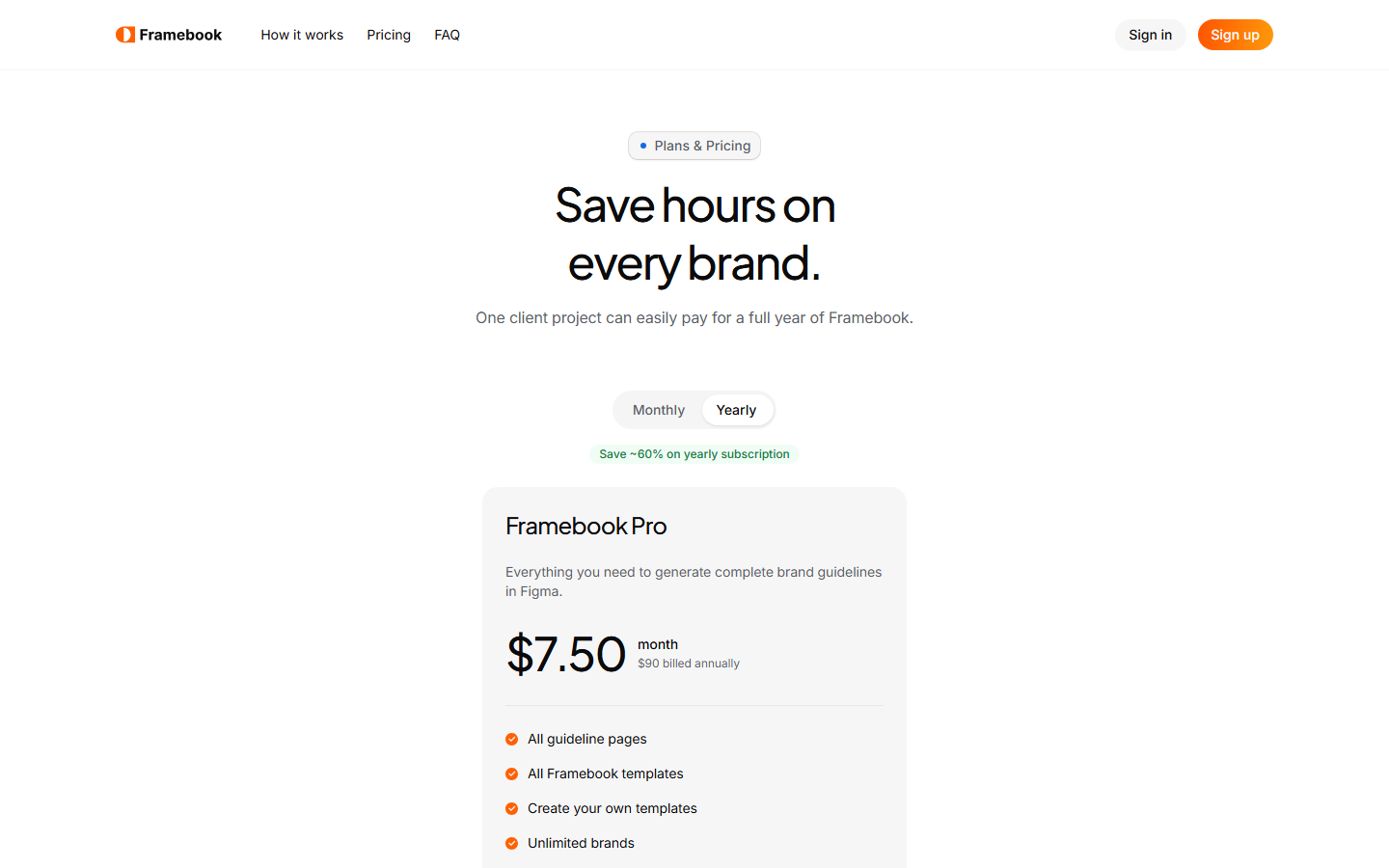
The free tier generates the first three pages of a guideline — enough to see your own template render with a real brand before paying. Pro unlocks the full document, custom templates and unlimited brands.
It is priced against the alternative rather than against other plugins. One client project pays for a year.
Where it is now
Live on the Figma Community with 15 users, and still early. The web side is Next.js and Supabase for accounts, licensing and template storage; the plugin is TypeScript against the Figma Plugin API.
Next is widening what the exporter understands, since every template a designer throws at it finds another node type worth supporting.